React Web Application · Case study
Mopedo brings three services into one web experience.
Mopedo is a React website for bike taxi, food delivery and goods delivery. I built its frontend in JavaScript, with responsive layouts and client-side navigation.
- My responsibility
- Frontend components, service sections and responsive layouts
- Project format
- React application · Four page views
- Built with
- React.js · JavaScript · styled-components · React Router · Vite · Responsive Design
01 / Project context
Explain each service within one product.
The interface needed to explain three different service categories as parts of one product. Visitors needed both a short service overview and space to read each offering in detail, with layouts that accommodate the text and images on smaller screens.
Bike taxi
Food delivery
Goods delivery
02 / My contribution
My frontend responsibilities.
- Implemented the Home, About, Services and Contact page components.
- Built the shared header, footer and configurable banner.
- Created service overview cards and image-and-text detail sections.
- Adapted layouts and navigation for smaller screens using media queries and menu state.
03 / How it was built
How the React application is structured.
Page composition and routing
App.jsx places a shared Header and Footer around React Router routes for Home, About, Services and Contact. Each page composes its own section components; the homepage imports separate hero, features, how-it-works and CTA sections. Vite provides the development and build scripts.
Component-scoped styling
The JSX files define their layouts with styled-components. Service cards share ServiceCard and IconWrapper styles, while the detail sections use ServiceRow, ServiceContent and ServiceImage. Media queries at 768px and 480px adjust layout, spacing and text size; index.css supplies the global reset.
Navigation state
Header uses useLocation to mark the current route and useState to toggle the narrow-screen menu. Selecting a navigation link closes that menu and calls the scroll-to-top helper. The same header component serves all four routes.
Implementation choices
Engineering decisions
Shared page shell and configurable banner
Keeping Header and Footer outside Routes gives every page the same navigation and footer. Services and Contact reuse BannerSection with a heading prop, so their page titles differ while the banner layout and responsive styles stay in one component.
Shared styles, explicit service content
The three service cards and detail rows reuse styled components, but their text, icons and images are written explicitly in JSX. This keeps presentation rules shared while leaving each service’s content separate; the source does not use a data-driven service renderer.
Challenge and approach
Keeping alternating service rows in order on mobile
- Layout problem
- Desktop service details alternate image and text placement. The food-delivery row puts text first, which would also put its image last when stacked vertically.
- Implementation
- At 768px and below, ServiceRow switches to a column. Its second-row selector uses column-reverse so the food-delivery image appears first, matching the other two services without a separate mobile component.
04 / The interface
Interface walkthrough.
The desktop homepage places the introduction and Get Started / Learn More buttons beside a rider illustration. Its top navigation links to Home, About, Services and Contact. Open the demo to inspect the remaining sections and narrow-screen layout.
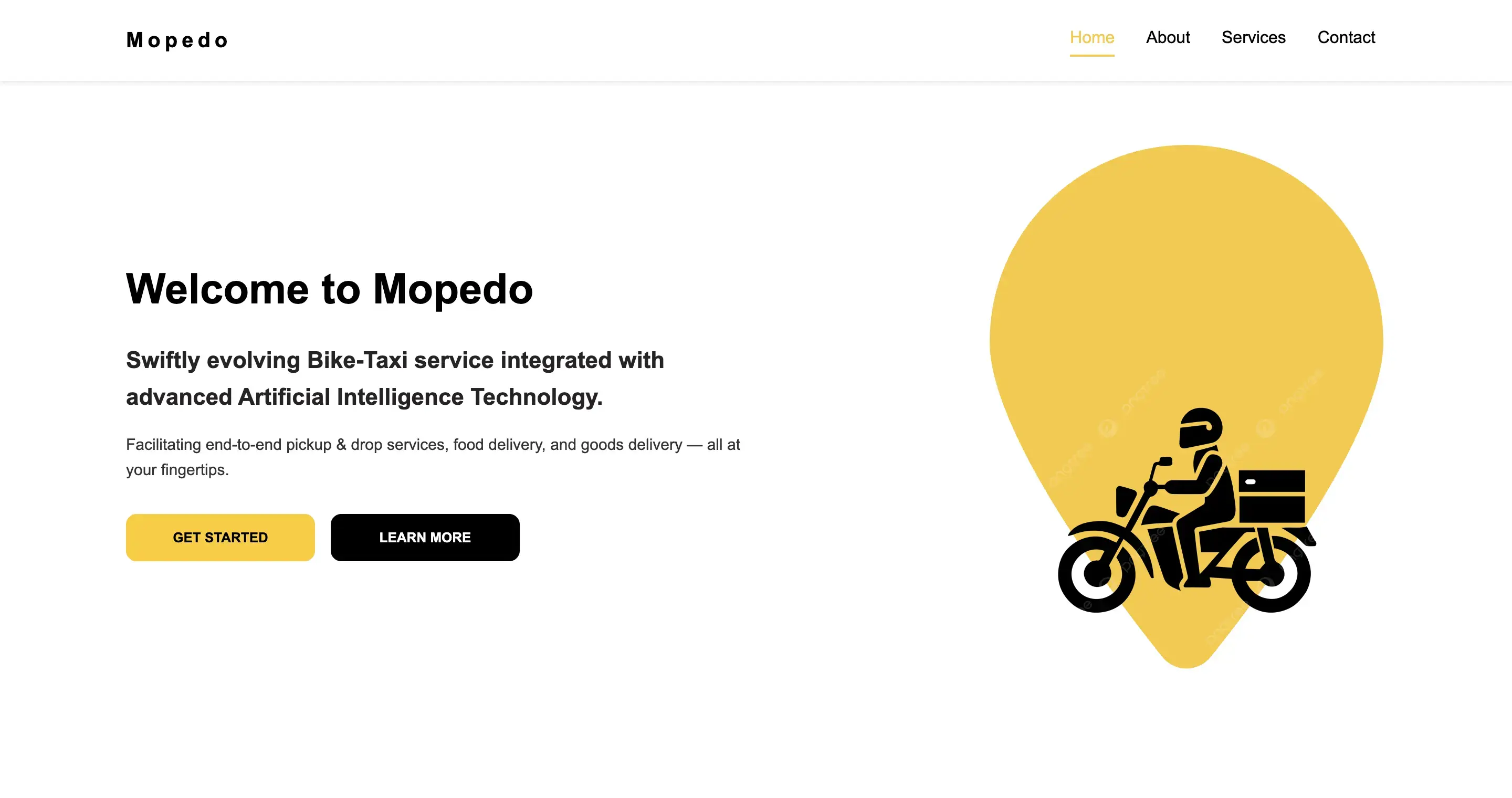
Complete build
Four page views
Delivered Home, About, Services and Contact views in one React application, with shared navigation, service overview cards and detailed service sections.
Verification
Inspect the interface and source
Inspect the interface through the live demo and the implementation through the public source. The homepage’s Get Started and Learn More buttons have no click handlers in the reviewed source; they establish visual CTA placement, not a verified booking or ordering flow.
Continue exploring
More projects across web, mobile and business websites.
Explore more work across React Native and WordPress, from mobile application flows to responsive business websites.
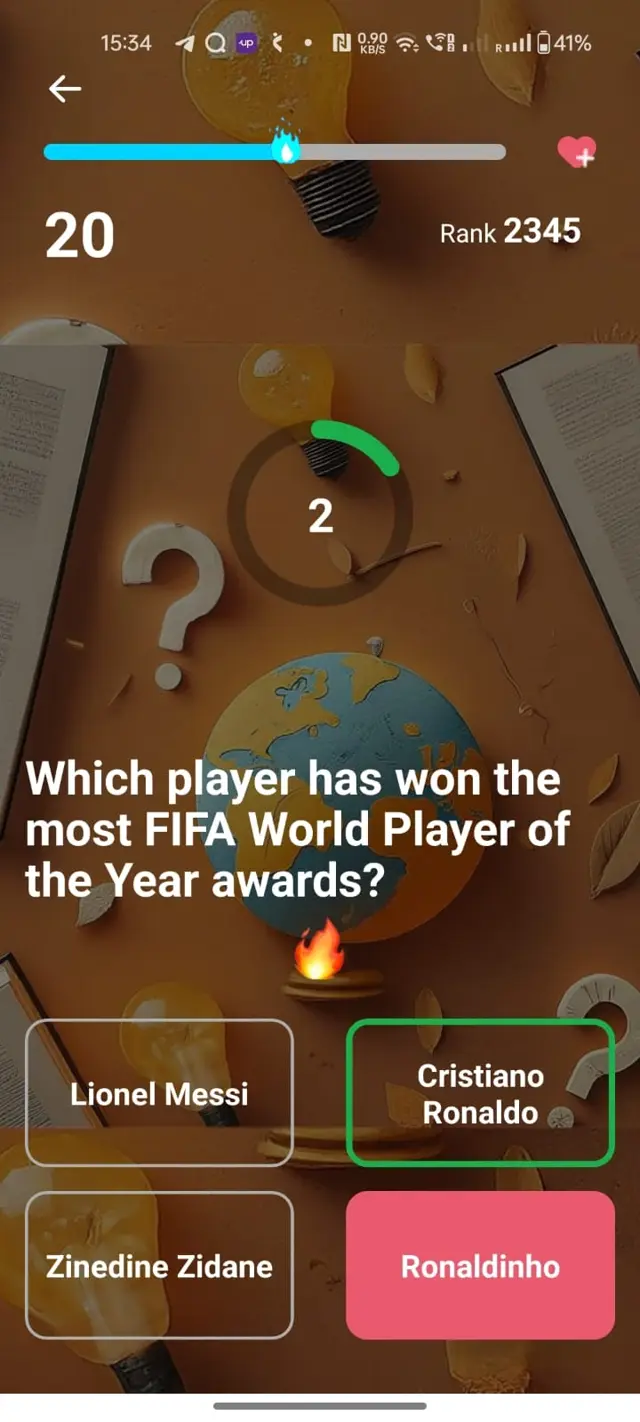
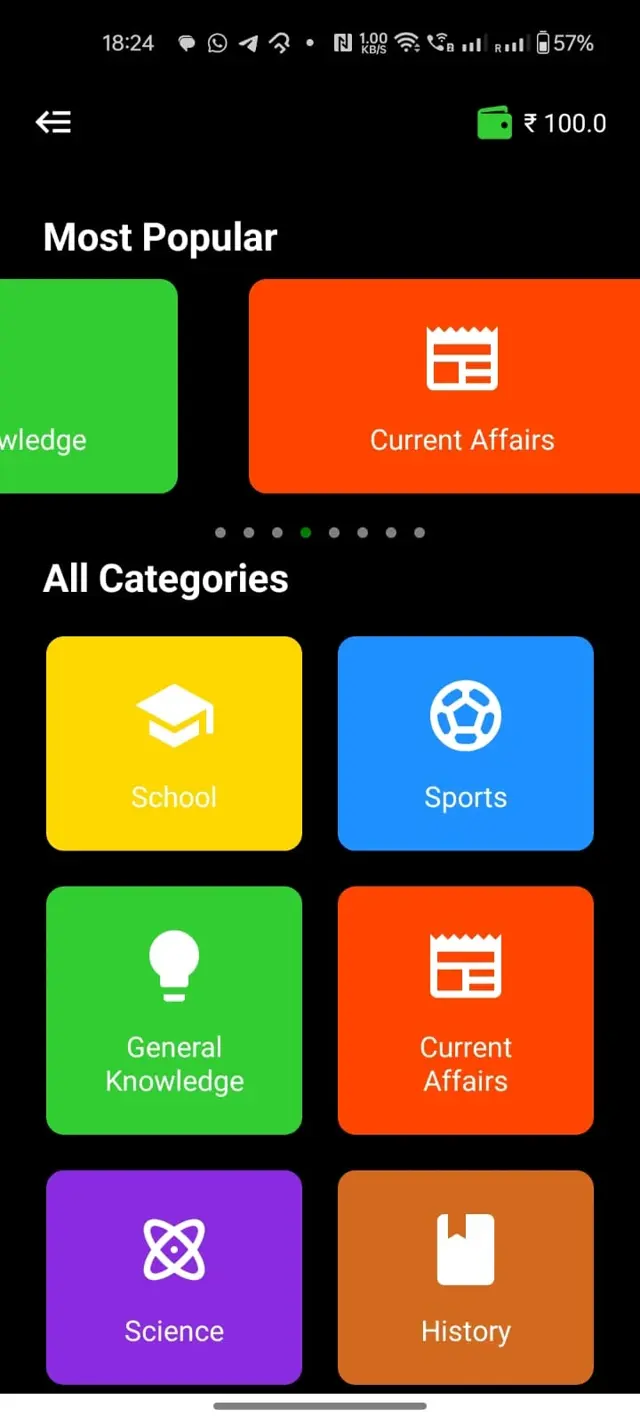
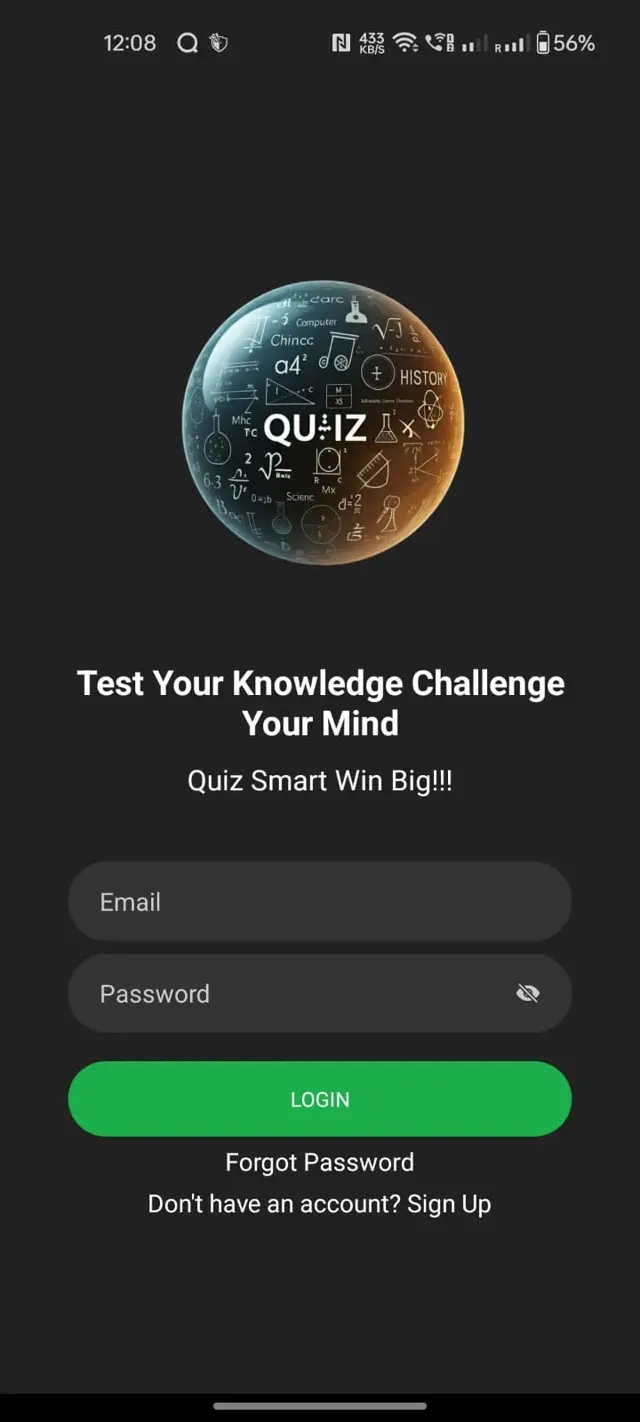
React Native Application
Levels App
A React Native quiz app with category-based questions, dynamic content and clear mobile user flows.
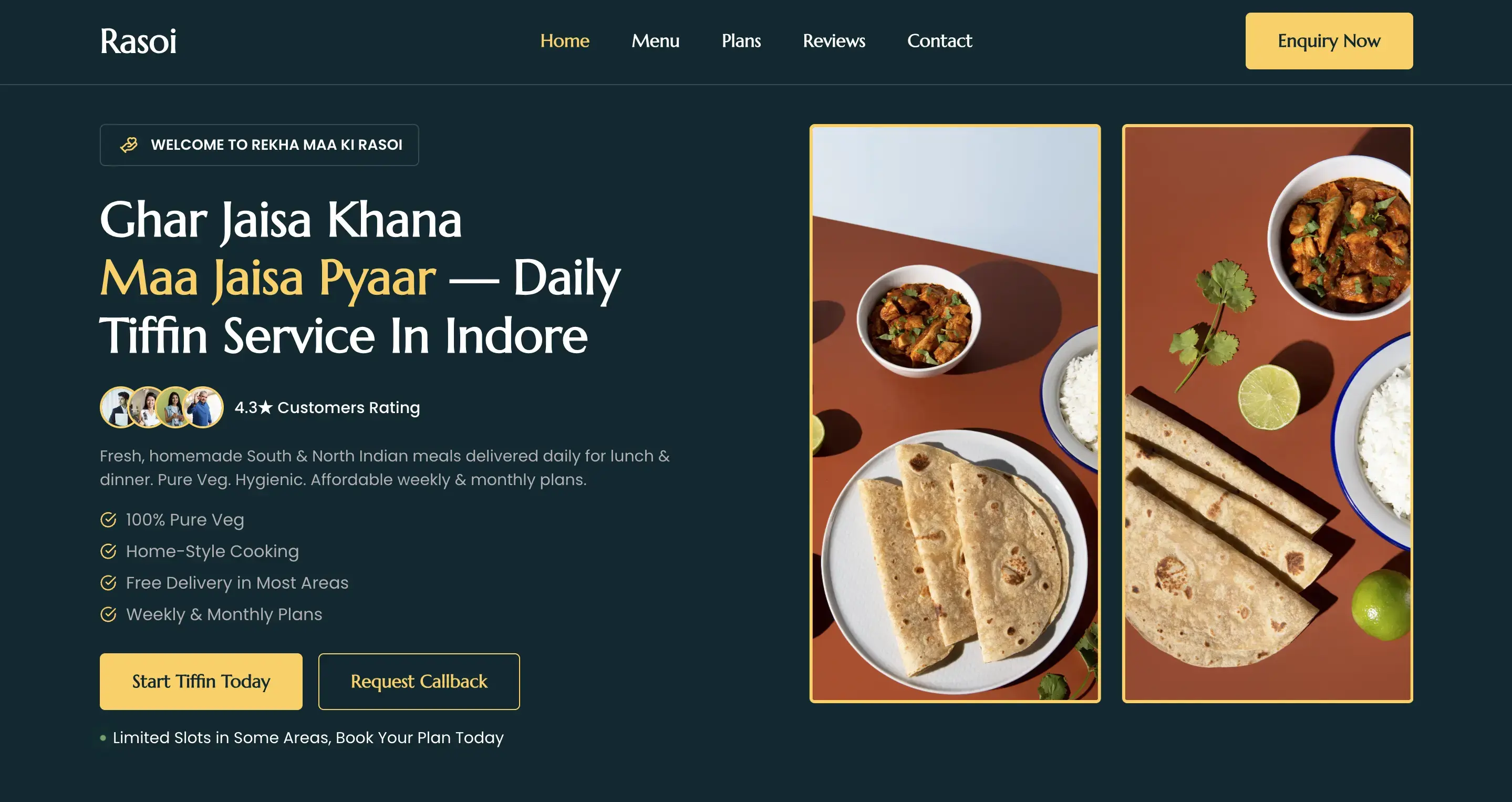
Food Business Website
Rekha Maa Ki Rasoi
A responsive WordPress website for a homemade food business, designed to make its services easy to explore.
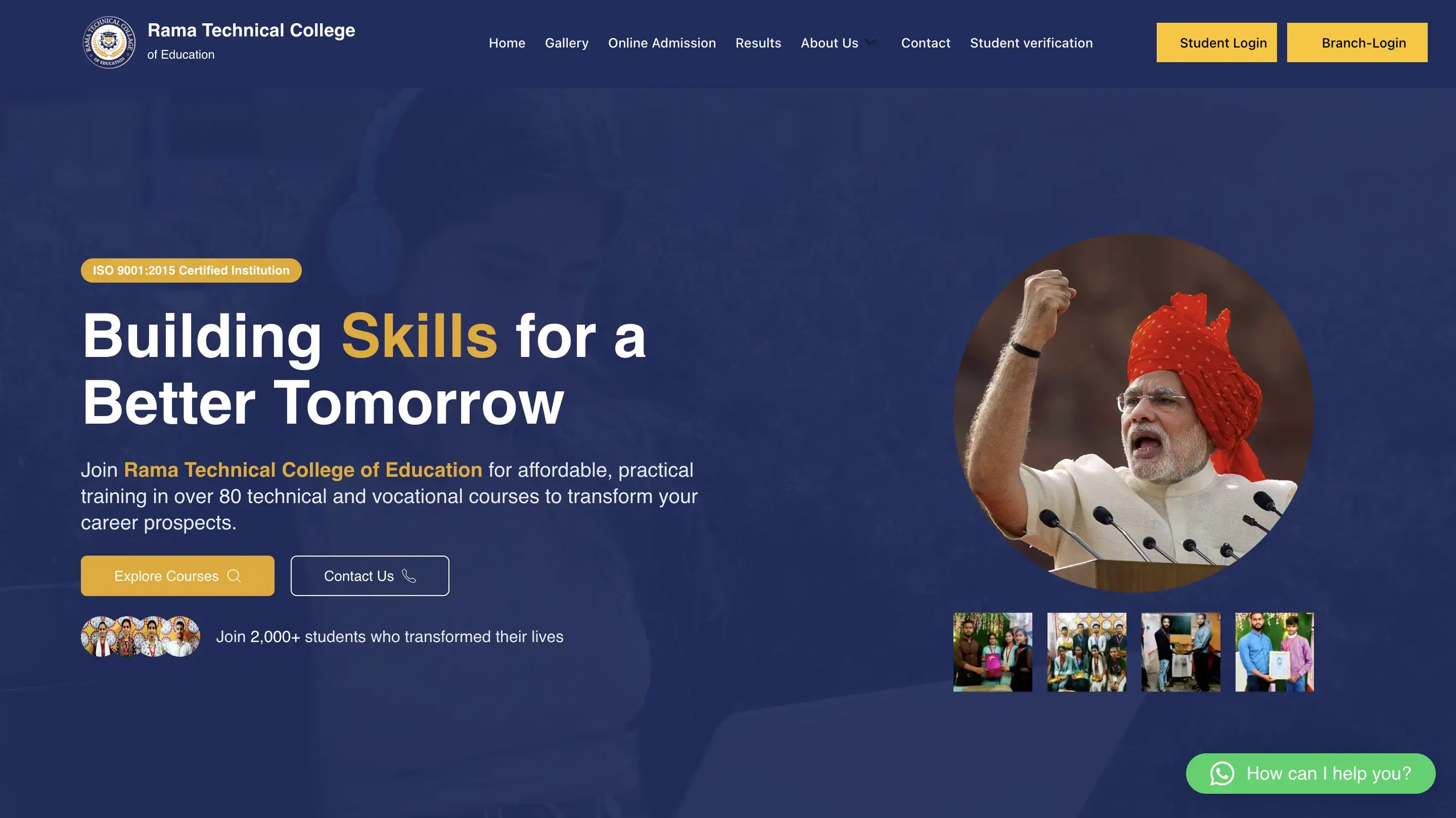
Education Website
Rama Technical College of Education
A responsive education website with clearer navigation, structured information and stronger content hierarchy.