Independent React Native project
QuizWar — React Native Quiz App
QuizWar is an independent React Native mobile quiz app I built with OTP authentication, category-based gameplay, user profiles and performance tracking.
- React Native CLI
- JavaScript
- Redux Toolkit
- Redux Persist
- React Navigation
- Firebase Authentication
- Firestore
- Firebase Storage
Category selection · Quiz questions · Mobile screens
- Project type
- Independent mobile application
- My responsibility
- Independent React Native application development
- Native structure
- Android Gradle + iOS Xcode projects
- Core stack
- JavaScript · React Native CLI · Redux Toolkit · Firebase
01 / Project overview
A quiz experience built around accounts and player progress
Players sign in with a phone number, complete a profile and choose a quiz category. A timed multiple-choice flow leads to results, accumulated points and a ranked performance dashboard. Players can also edit their profile and photo, then control sound and haptic feedback in Settings.
What I built
- Implemented phone-number sign-in, OTP confirmation and registration with user and performance records.
- Built category selection, timed questions, answer feedback and a results view with score and point calculations.
- Connected user performance to a ranked dashboard with pull-to-refresh.
- Built profile editing, cropped image uploads and settings for sound and haptic feedback.
02 / Technical architecture
Technical architecture
Application composition and persisted state
Six Redux Toolkit slices separate accounts, performance, active category, game results, categories and token state. The app root provides that store alongside authentication, theme, gestures and navigation. Redux Persist stores only auth and userPerformance through AsyncStorage; the other four slices stay outside that whitelist.
Authentication-aware navigation
React Navigation switches between Sign In / Registration and the application stack after AuthContext restores the stored user identity. Home, Dashboard and Profile are bottom tabs; Categories, Game, Result, Settings and Edit Profile sit in the surrounding stack.
Firebase-backed accounts and data
Firebase Authentication requests the SMS code and confirms the OTP, while a Firestore lookup sends new accounts to registration. Firestore stores categories, profiles and performance data, and Firebase Storage holds profile media. These operations live partly in shared Apiutils methods and partly in the sign-in and registration screens.
Quiz sessions and performance
GameScreen keeps the question index, countdown, answer feedback and score in local state, then writes the session summary into Redux. It calculates points from correct answers, speed and login streaks, updates completed quizzes and level, and flags a score update when the result improves the score or its tie-break time.
Profile images and native feedback
Edit Profile crops a selected image, uploads it to Firebase Storage and saves its download URL with the Firestore and Redux profile. Settings control whether game answers and tab interactions trigger native sounds and haptic feedback.
03 / Engineering decisions
Engineering decisions
Keep durable state separate from a quiz session
The persistence whitelist retains account and performance data across app launches. Category selection and game results have their own slices, while the current question and transition state live in GameScreen. This gives the saved account and the in-progress quiz different storage lifetimes.
Use tabs for destinations and a stack for flows
Home, Dashboard and Profile are peer destinations in the tab navigator. Quiz and account-editing screens are stack routes above them. The signed-out route tree contains only sign-in and registration, keeping that flow separate from the application screens.
Order the leaderboard with explicit tie-breakers
Dashboard sorts fetched performance records by highest score descending, stored completion time ascending, monthly points descending and total points descending. It then finds the signed-in user’s position in that ordered list. Pull-to-refresh fetches the records again.
04 / Coordinating the timed quiz
Coordinating the timed quiz
Coordinating a timed question flow with saved results
- The coordination problem
- A question can advance after an answer or after its ten-second interval expires. The screen must coordinate answer feedback, progress, score and the final summary, then pass the session into the results and performance views.
- Implementation approach
- GameScreen schedules an answer transition after one second and also advances on the timer. The transition resets answer feedback and countdown progress. At completion, the summary dispatches game and performance updates; ResultScreen reads those slices, writes performance through Apiutils and writes the score when its update flag is set. The completed flow coordinates screen-local state, shared Redux state and persisted Firestore data across the quiz and results screens. Inspect source
05 / The interface
The interface
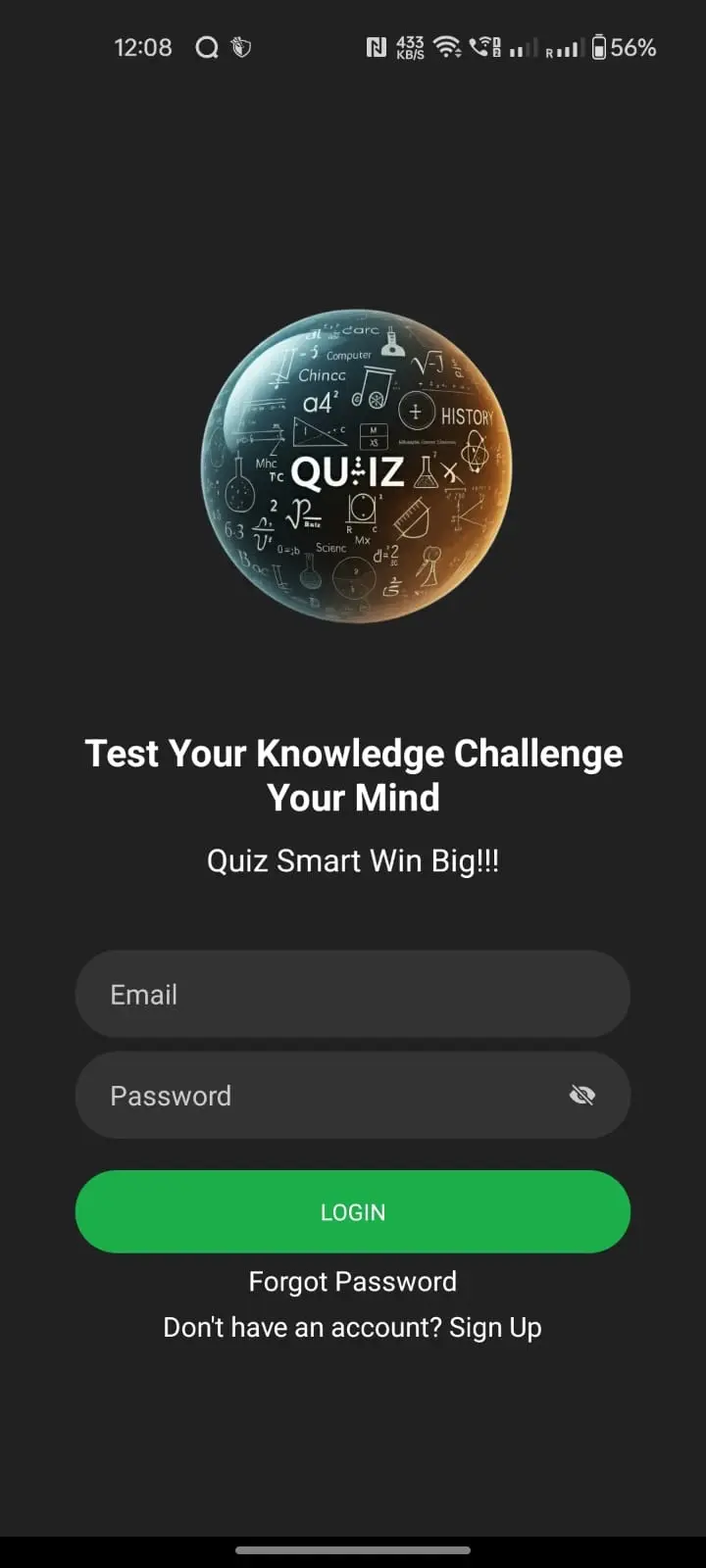
Sign in
Phone-number entry starts the SMS and OTP authentication flow.
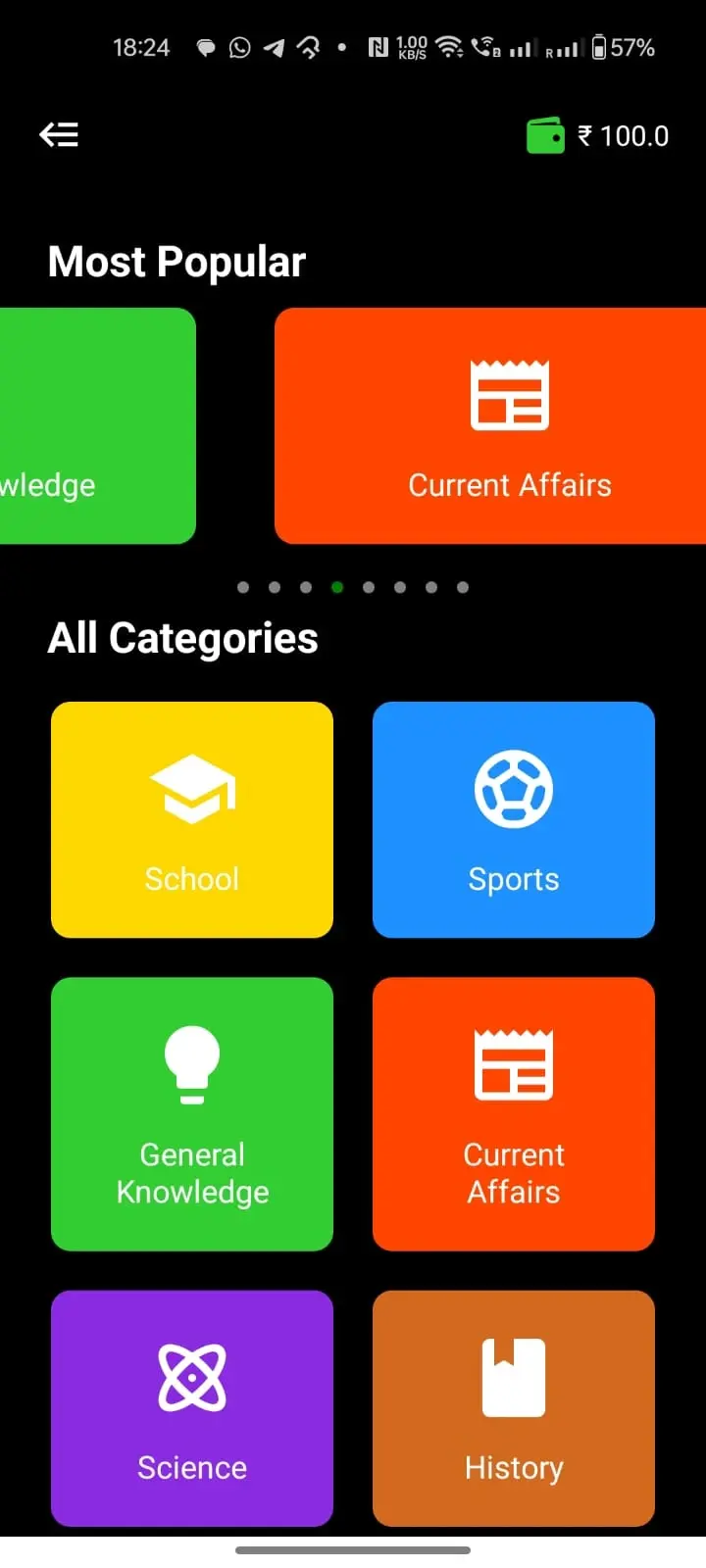
Categories
Category selection stores the active category before opening the game.
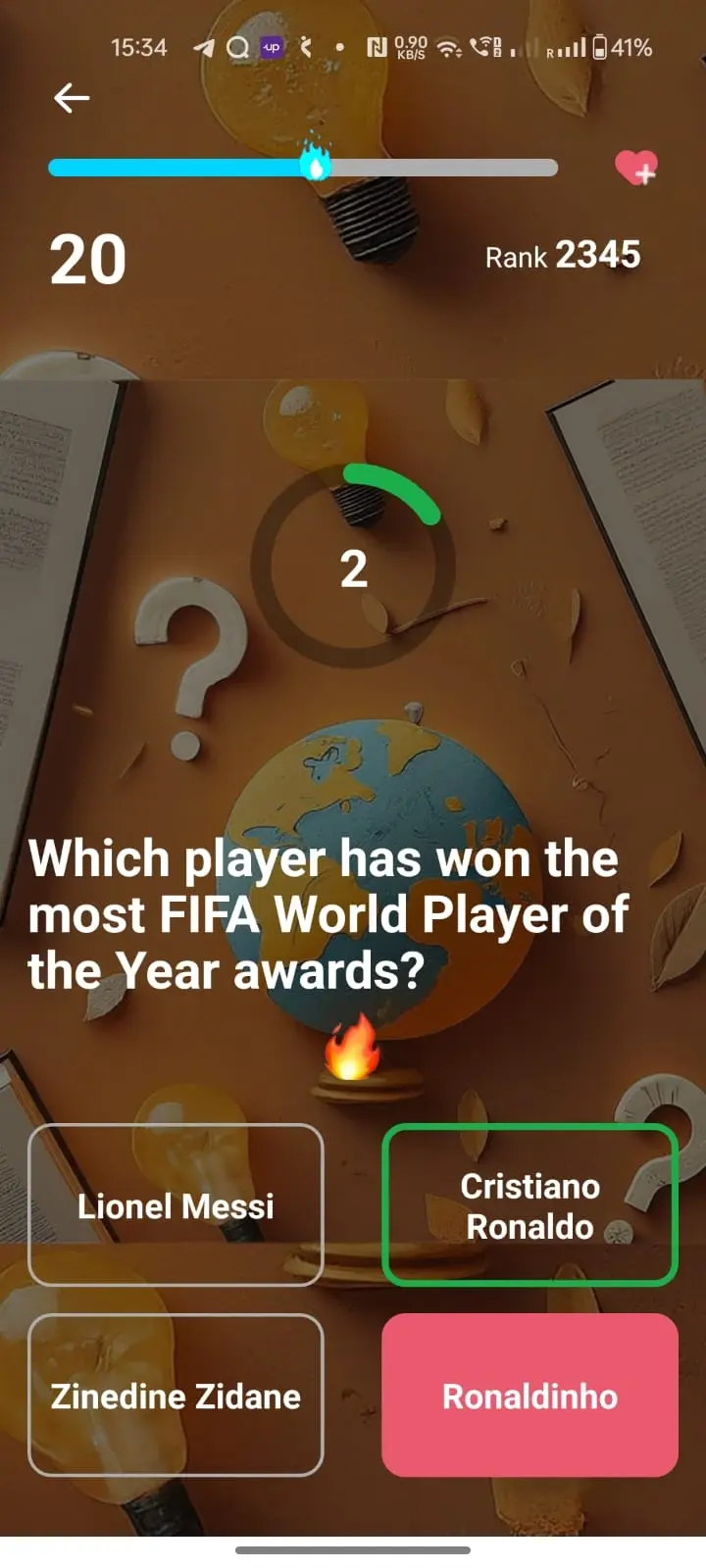
Quiz
A countdown, score and answer options share one timed question screen.
06 / What I delivered
What I delivered
- Built an independent mobile application spanning account onboarding, timed quiz gameplay, score and point tracking, a ranked dashboard, profile editing and image uploads.
- The public source includes React Native 0.75, React 18, CLI run scripts, an Android Gradle project and an iOS Xcode project. The application code and both native project structures are available for inspection in the public repository.
Inspect the public source
The implementation links above are pinned to reviewed public revision d561550. The repository includes the application code and native project setup.
Continue exploring
More projects across web, mobile and business websites.
Explore more work across React Native and WordPress, from mobile application flows to responsive business websites.
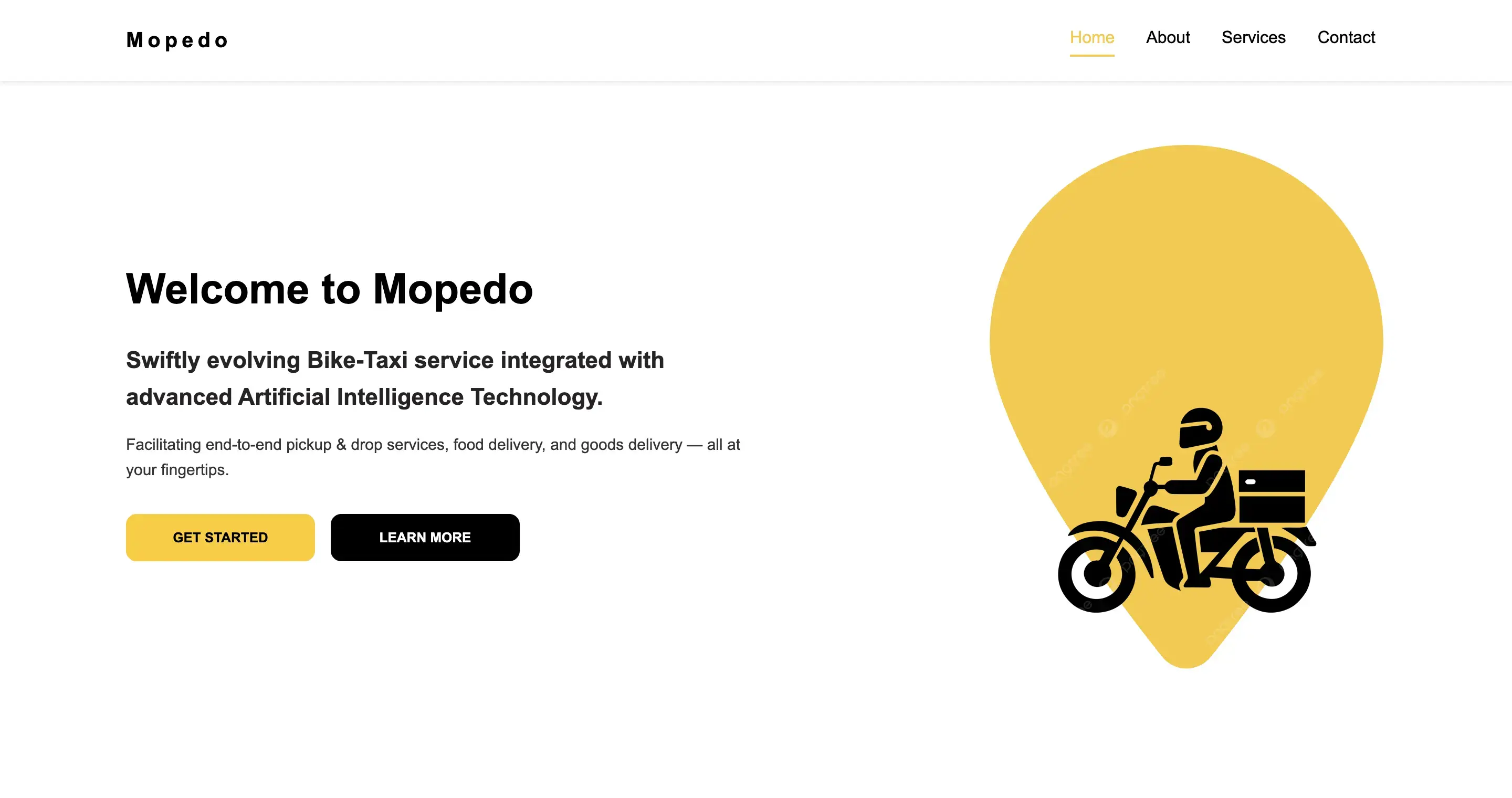
React Web Application
Mopedo
A responsive React frontend demo I designed, developed and deployed.
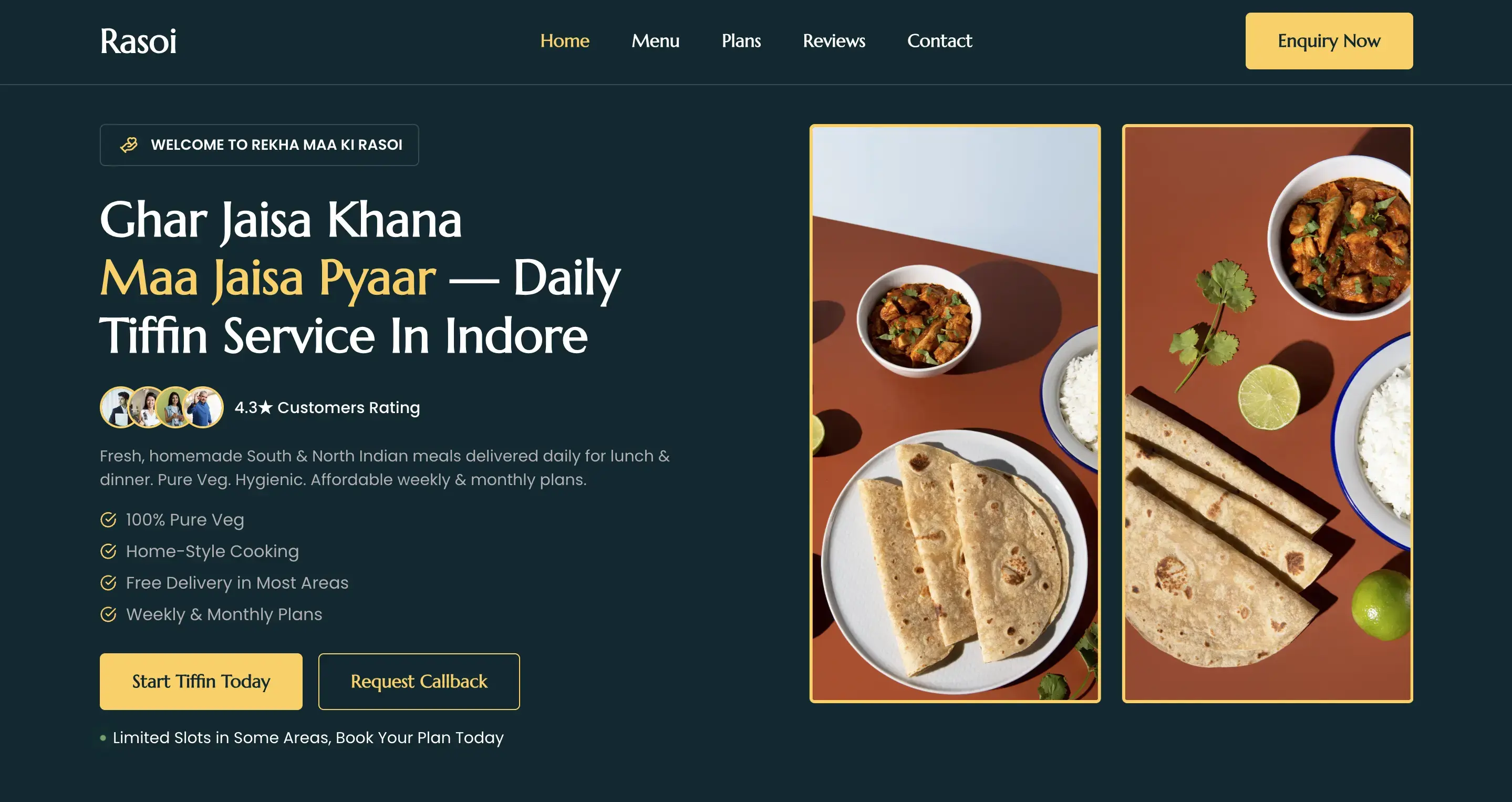
Food Business Website
Rekha Maa Ki Rasoi
A responsive WordPress website for a homemade food business, designed to make its services easy to explore.
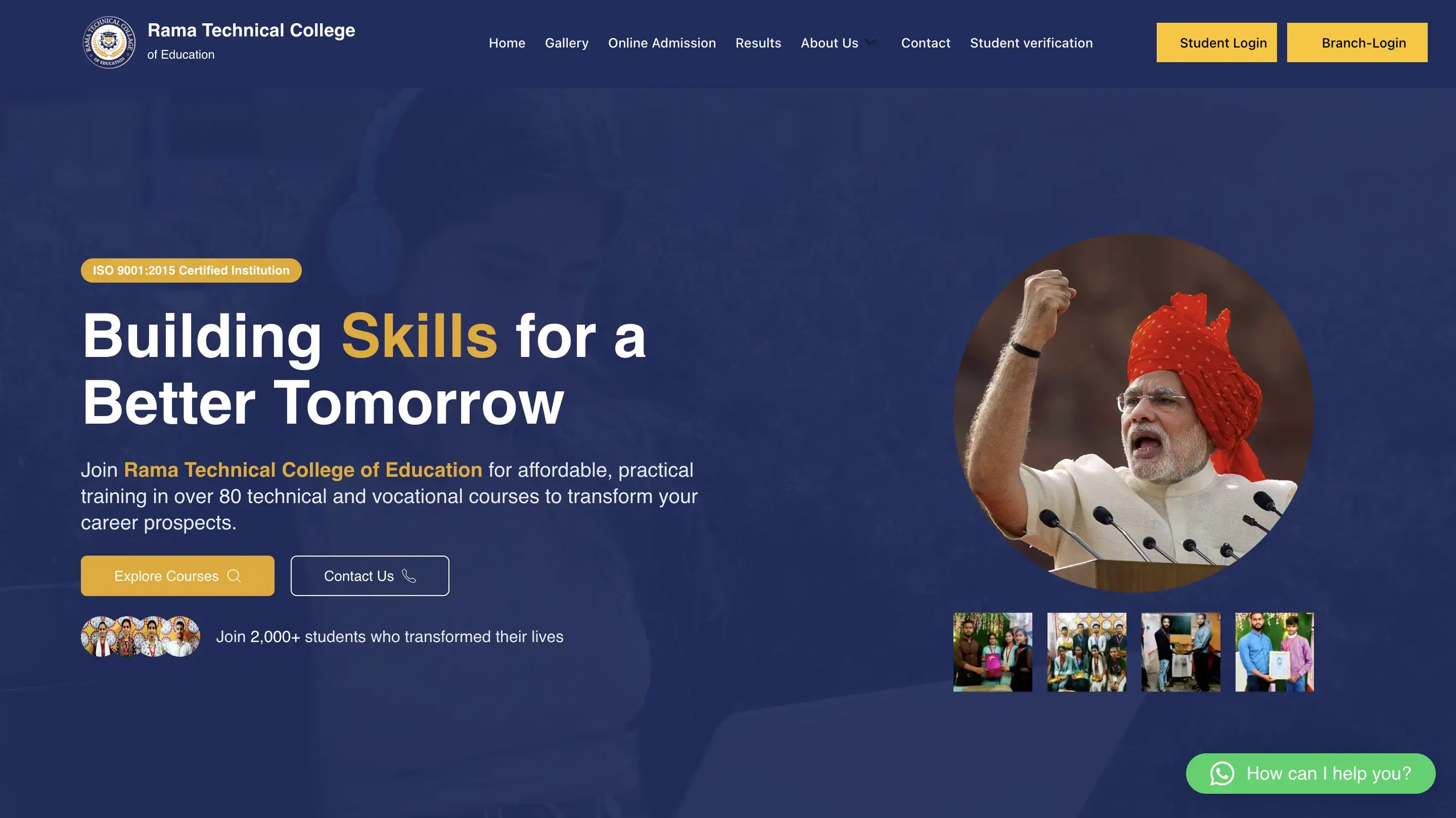
Education Website
Rama Technical College of Education
A responsive education website with clearer navigation, structured information and stronger content hierarchy.