Freelance education website
Rama Technical College — Institute Homepage
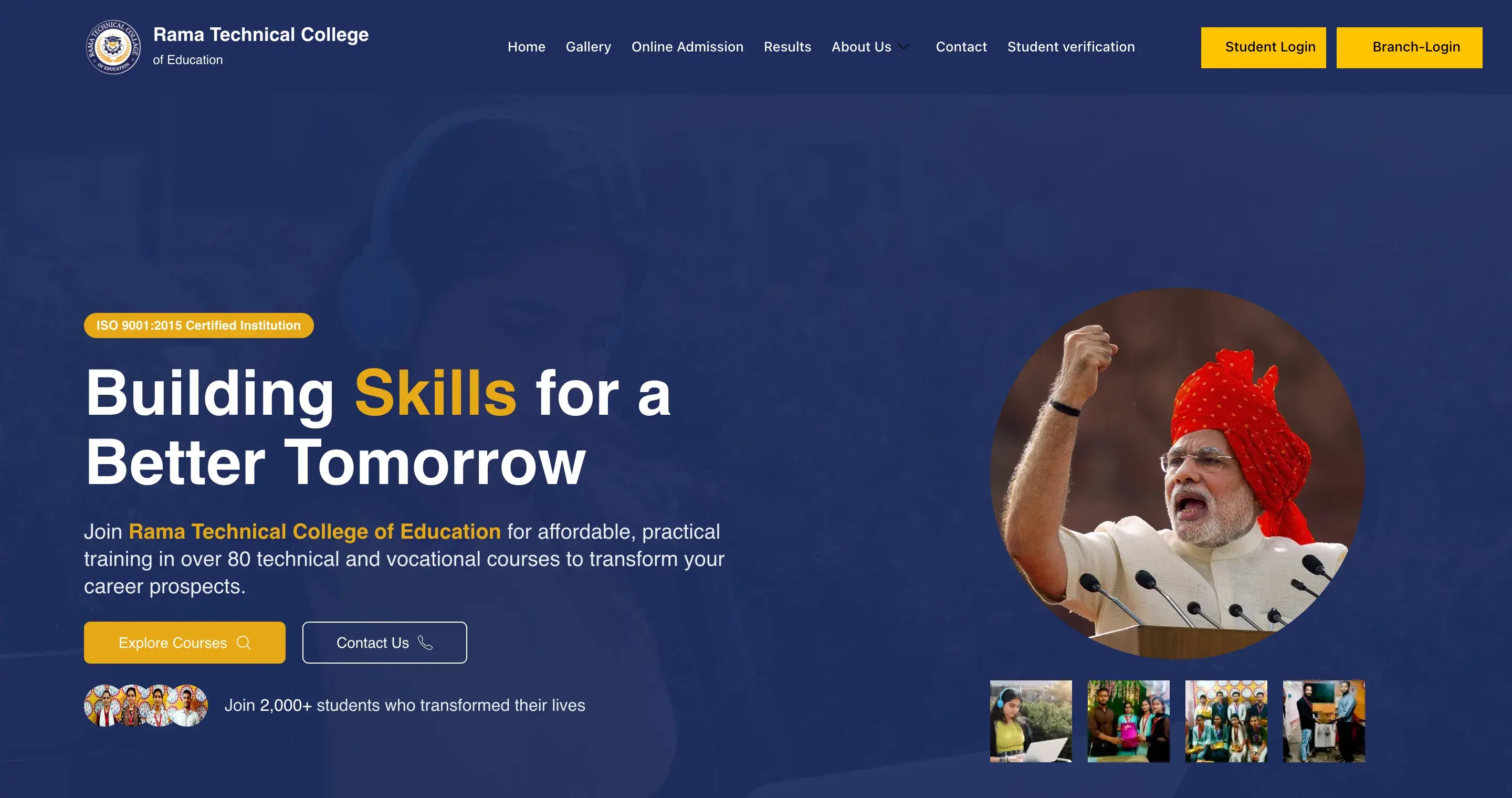
A freelance project I took on through a friend, who handled the college directly. I designed and built the homepage for a vocational training institute in Kushinagar, Uttar Pradesh, turning its courses, credentials and student information into one page that guides students and parents to enquire.
- Project type
- Freelance, through a friend
- My responsibility
- Homepage design and build
- AI-assisted workflow
- v0 ideation · ChatGPT copy
- Built with
- WordPress · Elementor
01 / Project context
A homepage that helps students and parents choose with confidence.
The college serves students and parents across rural Eastern Uttar Pradesh. Before contacting an institute, they need to know whether it is credible, which course fits, what it costs and how to apply. The college had the facts — courses, certifications, results and student stories — and needed a homepage that presented them in a clear order.
Provided by the college
The content- Courses and fees
- Course list, durations and fee ranges
- Credentials
- Certification and registration details
- Students
- Results, testimonials and photos
This material reached me through my friend, who managed the college relationship. How it was organised, designed and built into the homepage was my responsibility.
Owned by me
The homepageExperience design
I planned the homepage structure, the order of its sections, the placement of its calls to action and its visual layout.
Content structuring
I turned the college's raw information into consistent headings, course cards, trust points and FAQ answers, using ChatGPT for formatting.
Build and responsive layouts
I built the homepage in Elementor on the college's WordPress site and adapted its layout for tablets and phones.
Outside my scope: the other pages, student and branch logins, the results portal and hosting.
02 / Visitor journey
One page from first impression to enquiry
I ordered the sections around the questions a prospective student or parent asks, so each one is answered before they are asked to get in touch. Course and contact actions repeat at key points along the way.
- 01 / Trust
Is this institute credible?
- 02 / Proof
Do students succeed here?
- 03 / Explore
Which course fits me?
- 04 / Reassure
Why choose this college?
- 05 / Clarify
What about fees and eligibility?
- 06 / Enquire
How do I get in touch?
03 / Design decisions
Practical choices shaped around how families decide.
Use a calm, institutional visual identity
A deep navy base with gold accents and white content cards. The navy gives the page a stable, official frame, while gold draws attention to credentials and the main actions.
- Navy#1E2D5F
- Gold#E6A817
- Slate#64748B
Organise the course catalogue into six tabs
Instead of one long list, courses are grouped into six categories. Each card shows the course code, duration, level and certification, so visitors can compare options without opening every course.
- Computer & IT
- Electrical & Electronics
- Mechanical & Engineering
- Safety & Management
- Design & Creative
- Office & Business
Lead with credibility
An ISO 9001:2015 badge sits above the hero headline, and a dedicated trust section covers certification, government registration and industry partnerships. For a parent comparing institutes, legitimacy is the first question.
Answer practical questions before the form
FAQs on eligibility, certificate recognition, fees, practical training, course duration and placement support appear before the closing Request Information form.
04 / How I worked
AI-assisted where it saved time, hands-on where it mattered.
I used v0 and ChatGPT to move faster through exploration and content formatting. The homepage itself was designed and built by hand in Elementor.
Provided
The college's content
Courses, credentials, results and student stories, passed to me as raw information by my friend.
AI-assisted · Explore
Layout exploration with v0
I used v0 to explore homepage layout directions quickly. It served as a source of ideas only; the final layout was designed and built by me in Elementor.
AI-assisted · Structure
Content structuring with ChatGPT
The college's course list, figures, certifications and student details reached me through my friend. I used ChatGPT to format that raw material into consistent headings, course-card text and FAQ answers.
Build
Elementor homepage build
I built the homepage section by section with Elementor containers and widgets, including the tabbed course catalogue, trust cards, FAQ and closing enquiry area.
Adapt
Tablet and mobile layouts
I adapted the layout for smaller screens: course tabs wrap, cards stack into one column and the main actions become full-width buttons on phones.
The decisions stayed with me
- Which ideas to keep
- Section and CTA order
- How it adapts to phones
Tools
- WordPress
- Elementor
- v0
- ChatGPT
05 / Responsive design
One hierarchy, adapted for desktop and mobile.
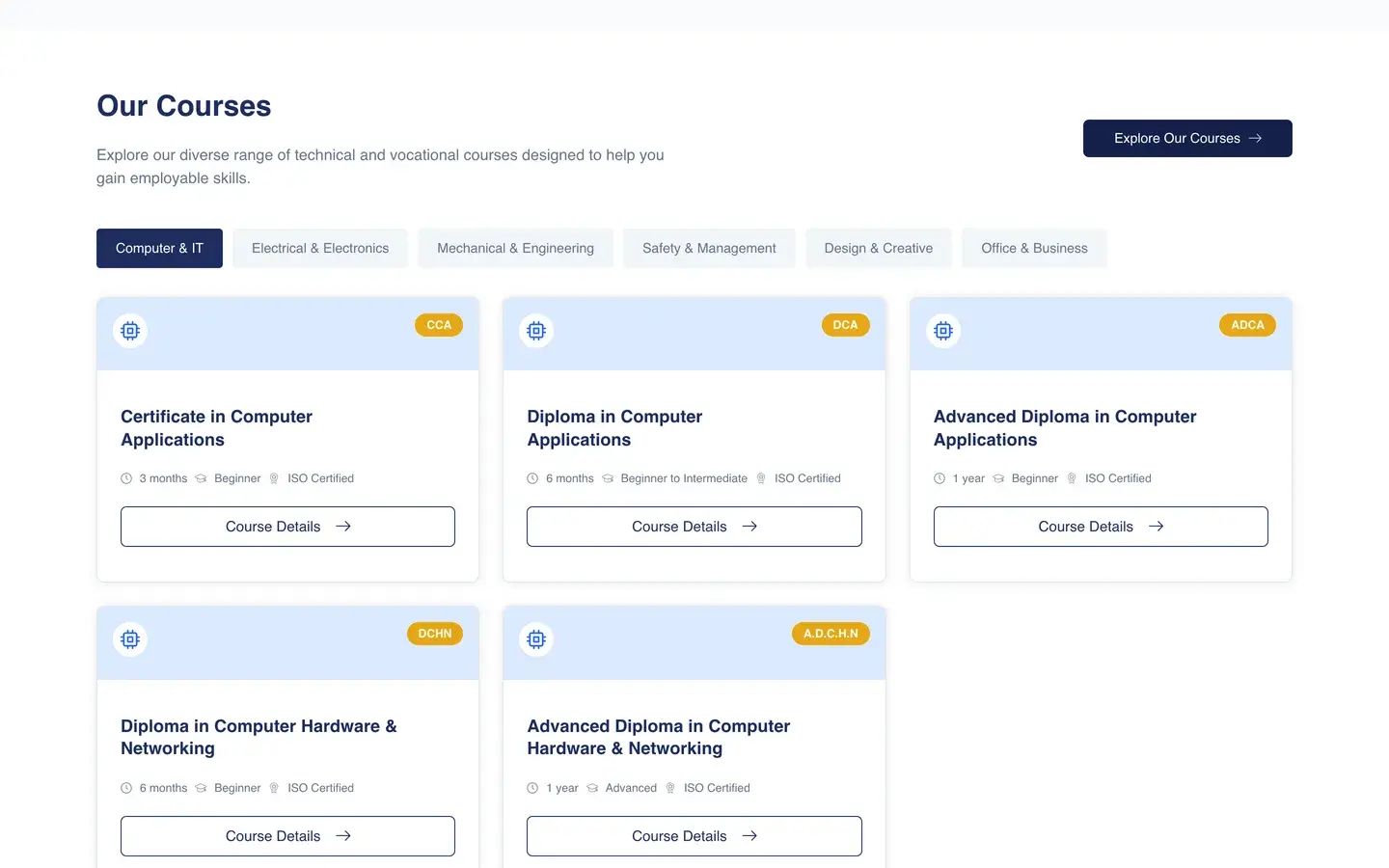
The same course catalogue on two screens. The content and its order stay fixed; only the layout changes.
Desktop · 1440px
The whole catalogue at a glance.
On wide screens every category is visible at once, and course cards sit side by side so visitors can compare them quickly.
What changes
- All six category tabs sit in one row
- Course cards form a three-column grid
- Every card shows code, duration, level and certification
- The Explore Our Courses action sits beside the heading
- Multi-column grid
- Tabbed categories
Course catalogue
06 / The interface
Selected views from the live homepage.
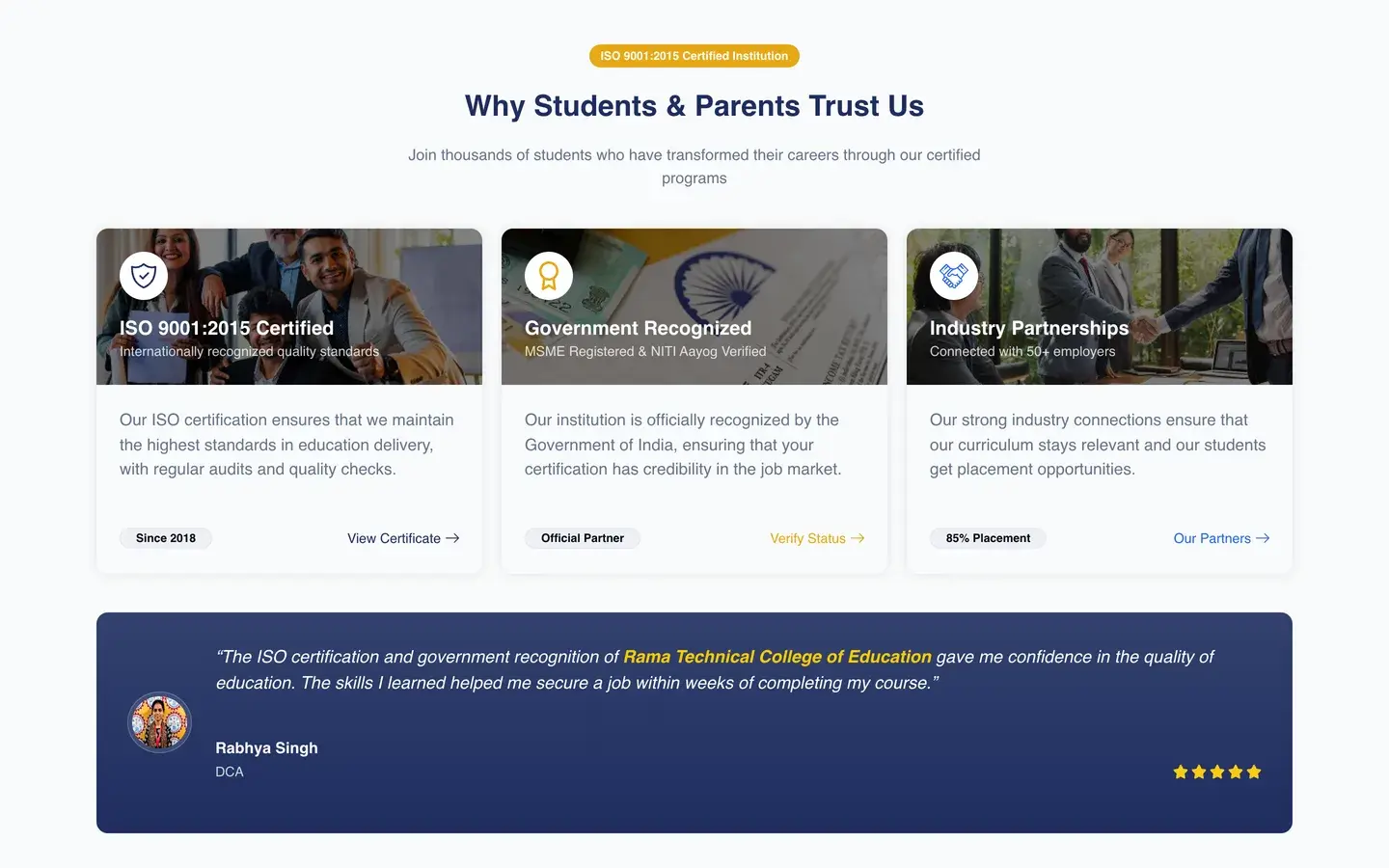
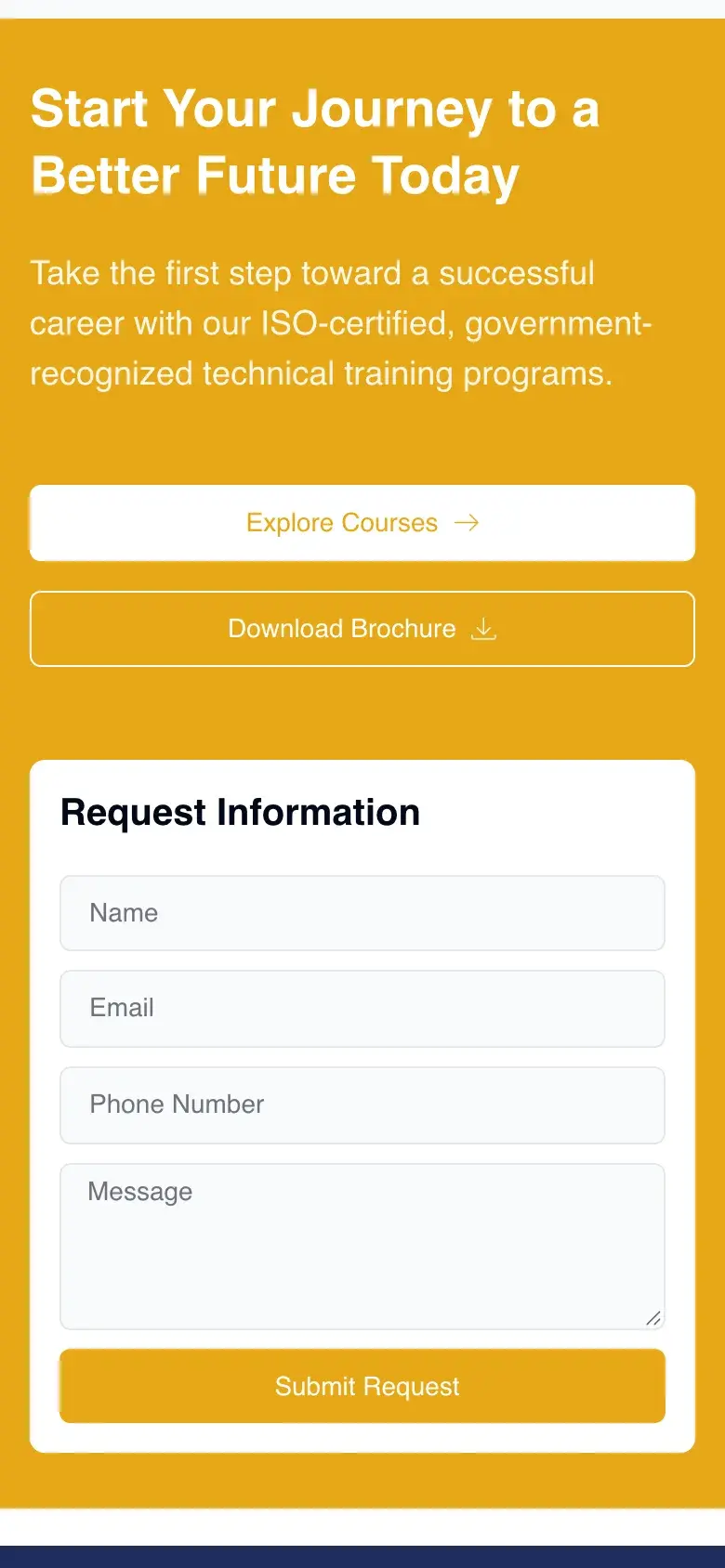
The trust section on desktop and on a phone, followed by the enquiry section on mobile.
Desktop
Trust section
Certification, government registration and industry partnerships, followed by a student testimonial.

Mobile
Trust cards
Credential cards stack on phones, each with a photo header, short proof and a link.
Mobile
Enquiry
The closing section pairs course and brochure actions with a short Request Information form.
07 / What I delivered
From raw college information to an approved, live homepage.
Designed and built a responsive homepage that presents the college's credentials, course catalogue, student results and enquiry options in one guided sequence.
Handed over
Homepage scope, built on the college's WordPress site
Design
- Homepage structure
- Visual layout
- Call-to-action placement
Content
- Course card copy
- Trust and impact sections
- FAQ answers
Build
- Elementor homepage
- Tabbed course catalogue
- Tablet and mobile layouts
Live at rtceindia.in
Approved and live.
The homepage was approved and is live as the institute's homepage.
My friend managed the college relationship, and my scope was the homepage. Other pages, student and branch logins, the results portal and hosting were outside it, and no enquiry or admission figures are claimed.
My friend handled the college; I owned the homepage, from raw content to an approved, live page.
Continue exploring
More projects across web, mobile and business websites.
Explore more work across React Native and WordPress, from mobile application flows to responsive business websites.
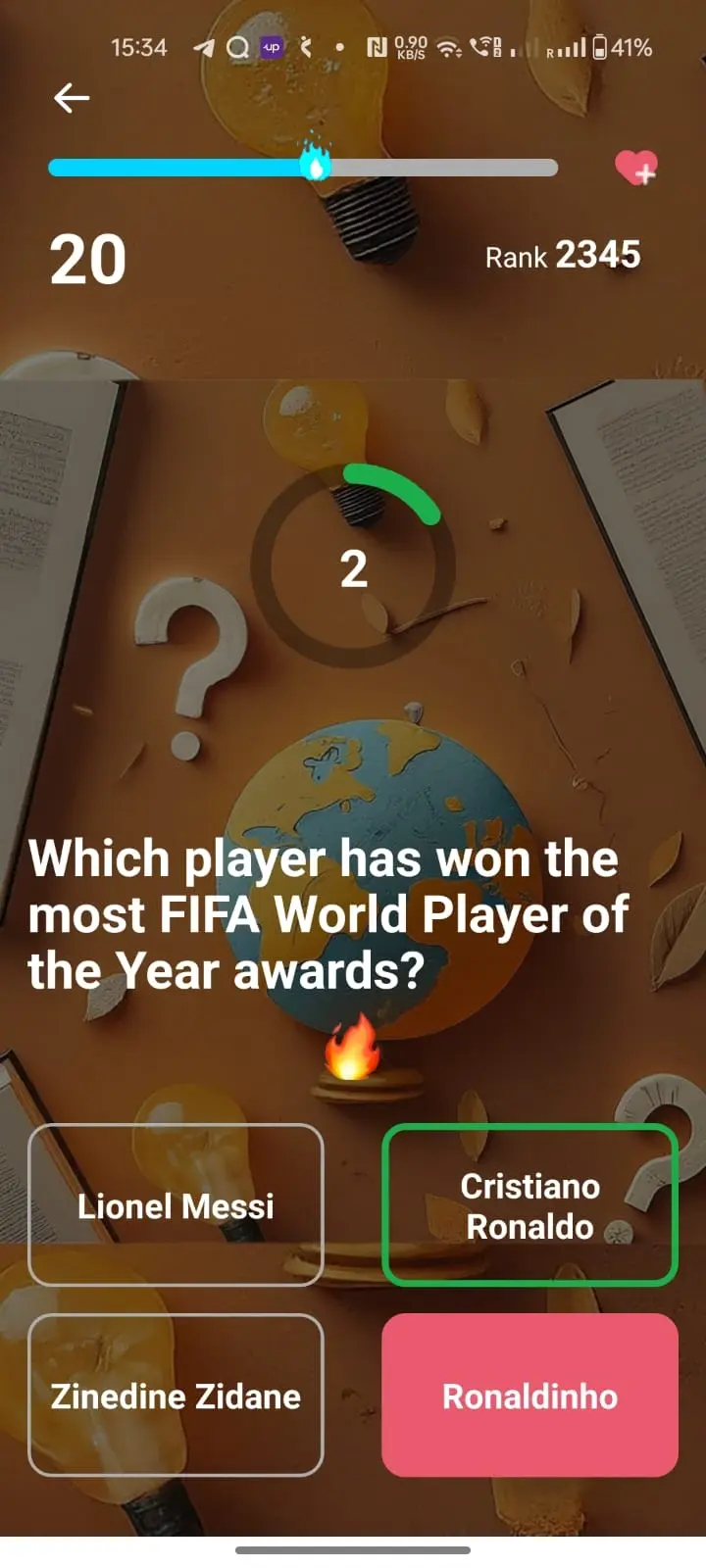
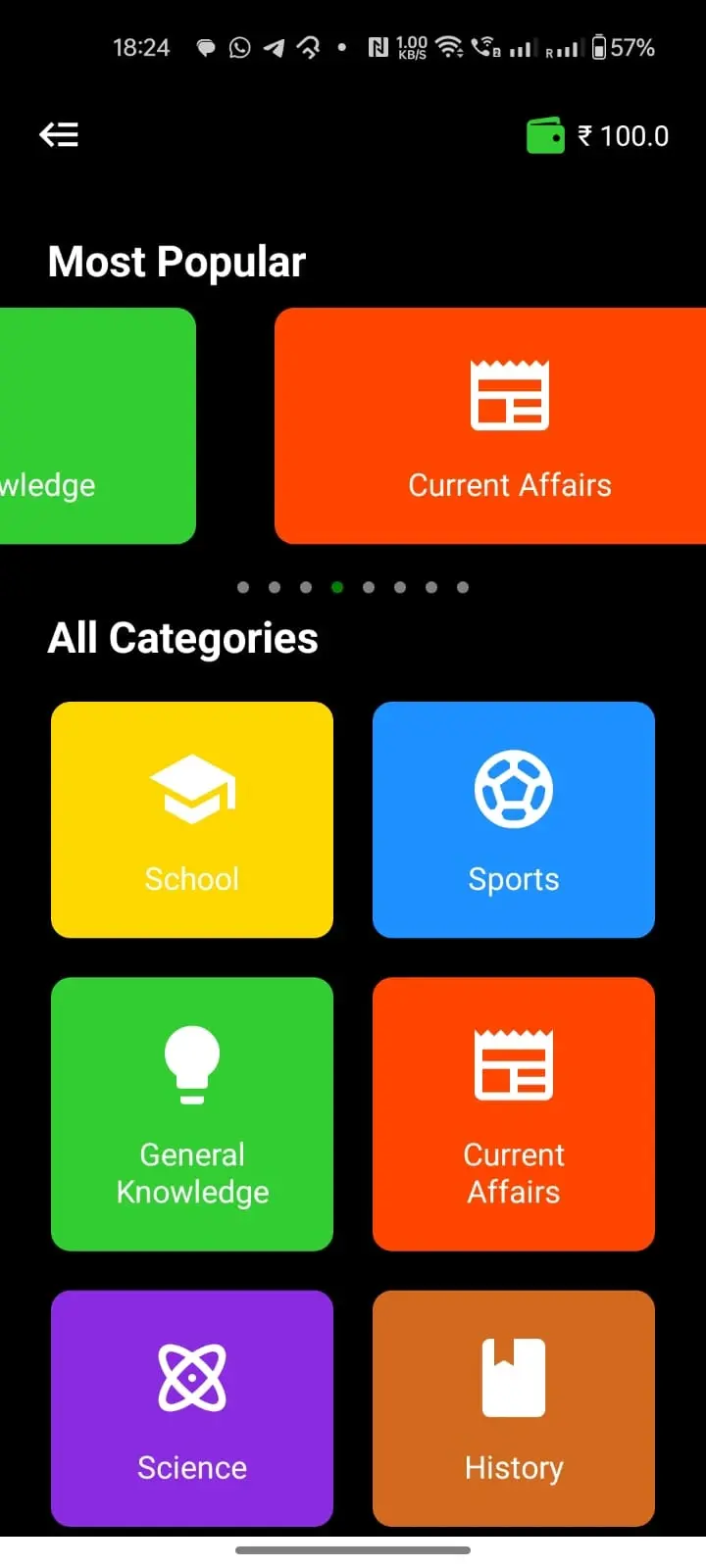
React Native Quiz App
QuizWar
An independent React Native quiz application with category-based gameplay and performance tracking.
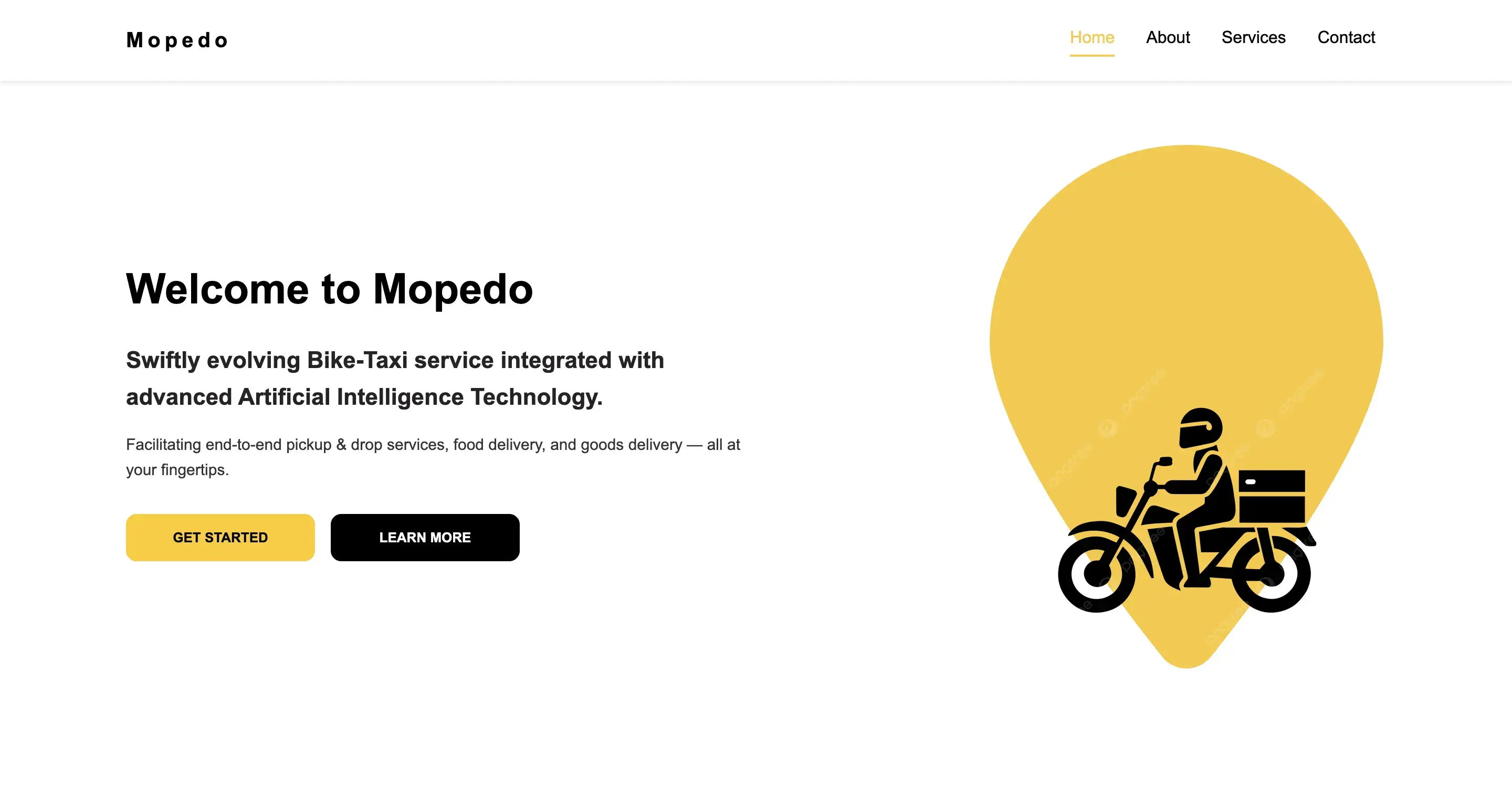
React Web Application
Mopedo
A responsive React frontend demo I designed, developed and deployed.
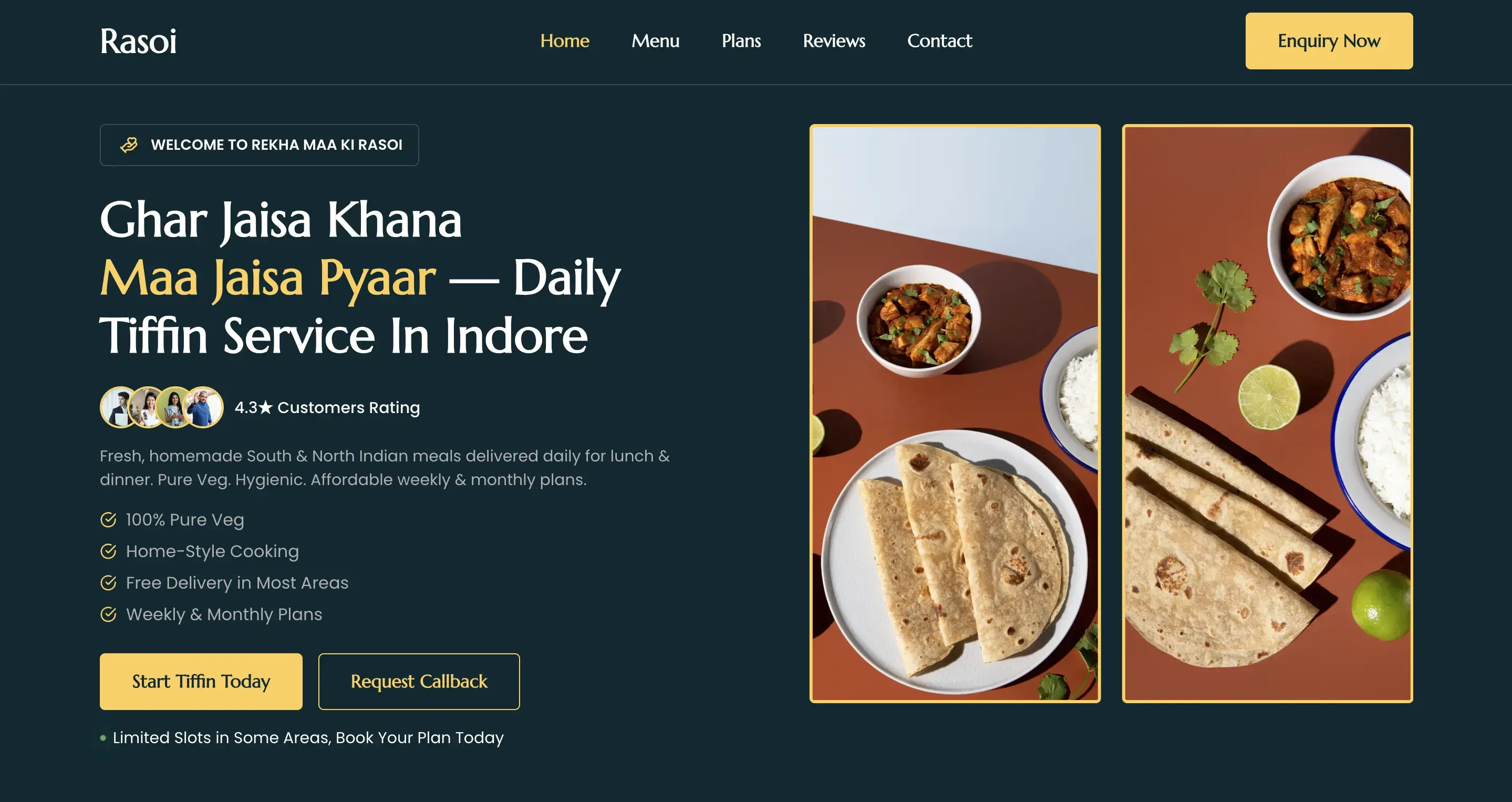
Food Business Website
Rekha Maa Ki Rasoi
An end-to-end WordPress and Elementor business website covering UI/UX, content and responsive delivery.